Business Office Administrative – Microsoft Office Applications
by George | Jul 6, 2025 |
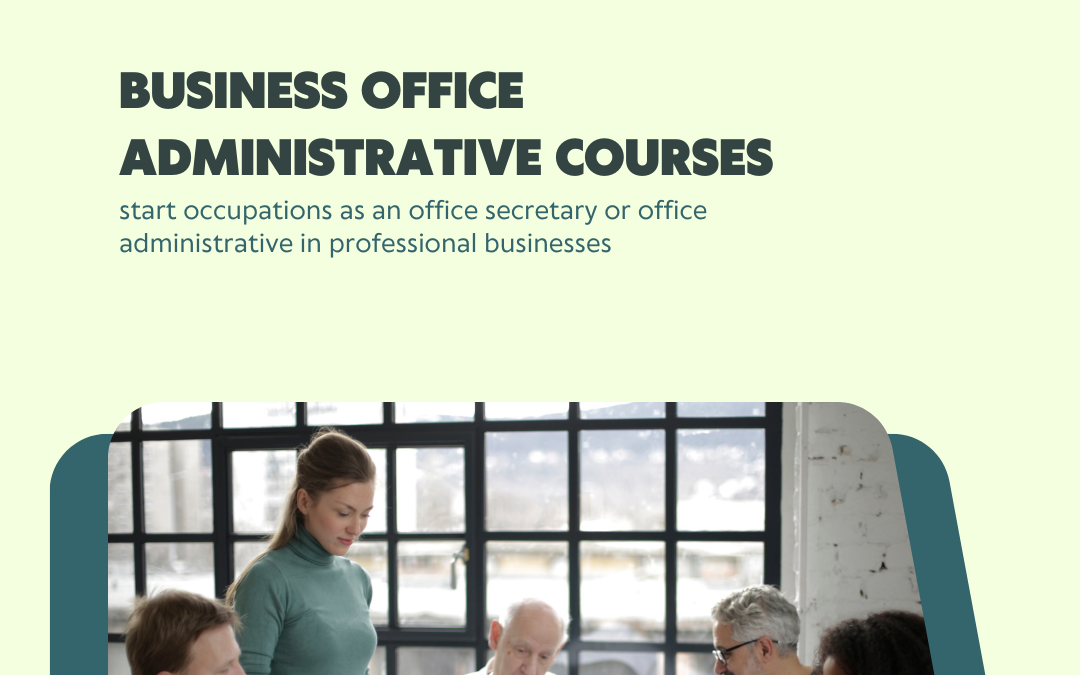
Course Objectives
Program Objectives: The objective of this program is to prepare students for the workforce with the skills gained in this program. Students will have the necessary computer skills to be proficient in email practices and Microsoft Office applications. They will be prepared to enter the workforce as an office secretary and/or office administrative assistant in professional businesses.
- Training introducing students to the office environment
- Working in office with others, computers, internet browsing, emails, using office applications such as Word
- Introduction to Microsoft Word – Creating and formatting documents, inserting tables and graphics, using templates
- Microsoft Excel – Creating spreadsheets and charts, working with formulas and functions, formatting cells and worksheets
- Microsoft powerpoint creation, inserting media and animations, using templates and editing templates
- Introduction to Microsoft Access, creating and managing databases, building tables, forms, and reports, running queries
- Creating emails, creating mailings, creating and sending professional emails
- Creating and sharing documents, spreadsheets, and presentations, collaborating with others using Google Drive, using Google Forms and Google Sites.
- Introduction to researching different websites, searching for services and products online, how to evaluate the credibility of websites, tricks for online research, Final Exams
You will meet the objectives listed above through a combination of the following activities in this course.
16 Week – Full Course One Time
$8,000.00
1 year of access
4 Week Crash Course – One Time
$4,000.00
1 year of access
Module 1: Introduction to Computers and Microsoft Windows
Computer Hardware and Software
Microsoft Windows Operating System
Lesson 4 of 4 within section Module 1: Introduction to Computers and Microsoft Windows. You must enroll in this course to access course content. Module 2: Microsoft Word
Introduction to Microsoft Word
Creating and formatting documents
Inserting tables and graphics
Lesson 4 of 5 within section Module 2: Microsoft Word. You must enroll in this course to access course content. Lesson 5 of 5 within section Module 2: Microsoft Word. You must enroll in this course to access course content. Module 3: Microsoft Excel
Introduction to Microsoft Excel
Creating spreadsheets and charts
Working with formulas and functions
Formatting cells and worksheets
Module 4: Microsoft PowerPoint
Introduction to Microsoft PowerPoint
Lesson 2 of 3 within section Module 4: Microsoft PowerPoint. You must enroll in this course to access course content. Lesson 3 of 3 within section Module 4: Microsoft PowerPoint. You must enroll in this course to access course content. Module 5: Microsoft Access
Introduction to Microsoft Access
Creating and managing databases
Building tables, forms, and reports
Lesson 4 of 4 within section Module 5: Microsoft Access. You must enroll in this course to access course content. Module 6: Email Practices
Lesson 1 of 4 within section Module 6: Email Practices . You must enroll in this course to access course content. Introduction to email etiquette
Managing and organizing emails
Creating and sending professional emails
Module 7: Google Drive
Introduction to Google Drive
Creating and sharing documents, spreadsheets, and presentations
Using Different Google Products
Module 8: Researching Various Websites for Services
Searching for services and products online
How to evaluate the credibility of websites
Tips and tricks for online research
Module 9: Using QuickBooks
Introduction to QuickBooks
Creating charts of accounts
Lesson 3 of 4 within section Module 9: Using QuickBooks. You must enroll in this course to access course content. Lesson 4 of 4 within section Module 9: Using QuickBooks. You must enroll in this course to access course content. Module 10: Working with AI
Lesson 1 of 4 within section Module 10: Working with AI. You must enroll in this course to access course content. Lesson 2 of 4 within section Module 10: Working with AI. You must enroll in this course to access course content. Lesson 3 of 4 within section Module 10: Working with AI. You must enroll in this course to access course content. Using AI to research & creating internet items
Module 11: Final exam
Lesson 1 of 1 within section Module 11: Final exam. You must enroll in this course to access course content.